Practical guides
A connected business starts with one clear workflow
Connect sales, stock and customer records with a practical workflow exercise, a daily review checklist and a short introduction to Funa.
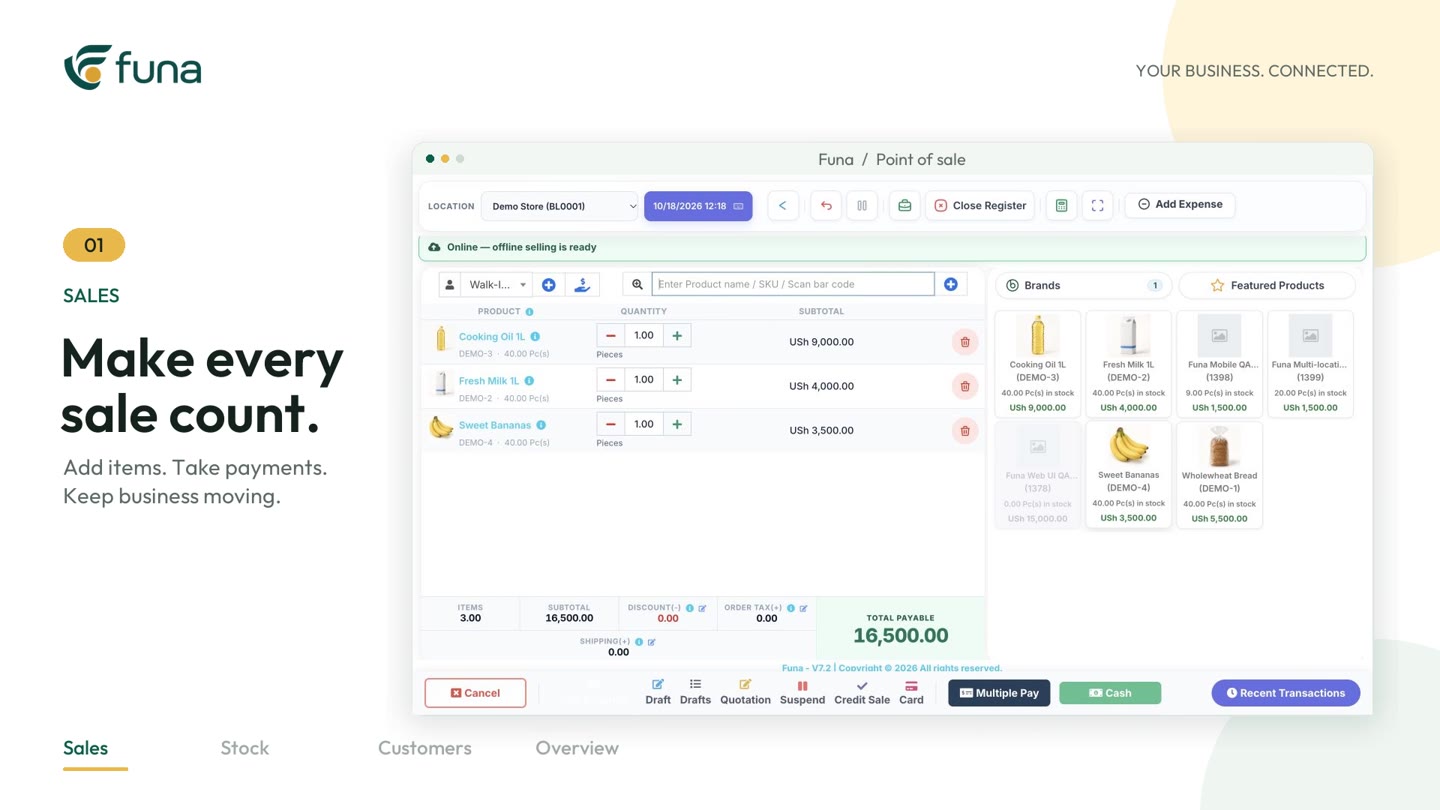
Watch the demonstration: Play the Funa introduction video (opens a video player; demonstration data).
A sale rarely ends at the receipt. It changes what is available to sell, what a customer owes, what the team needs to replenish and what the owner expects to see at the end of the day. When each part lives in a separate notebook, chat or spreadsheet, people spend time explaining the same transaction more than once.
A connected business starts with a simple question: can the next person understand what happened without asking the previous person to reconstruct it? This guide offers a practical way to answer that question before introducing more software.
Follow one ordinary transaction
Choose a real, routine example rather than the most complicated sale you have ever handled. Start when a customer asks for a product or service. Write down how the team checks availability, confirms the price, records the customer, takes payment and hands over the receipt. Continue until the transaction reaches the daily review.
For each step, identify the person responsible and the record they use. A handover is a specific moment: the counter confirms a sale, for example, and the stock record must now reflect the quantity that left. If the team cannot name the record, that is worth resolving before choosing a feature.
Agree what must be recorded
Reliable reports begin with consistent inputs. Give products clear names and stock codes. Agree how quantities are counted and which price applies. Keep customer details only where they serve a legitimate business purpose, and make payment status explicit. “Customer will pay later” should not look the same as “payment received.”
- What item or service was provided, and in what quantity?
- Which business location handled the work?
- Was the payment received, partly received or still outstanding?
- Who owns the next action if something is incomplete?
These questions are more useful than a long feature wish list. They describe the information your team actually needs to continue the work.
Use one shared record where it matters
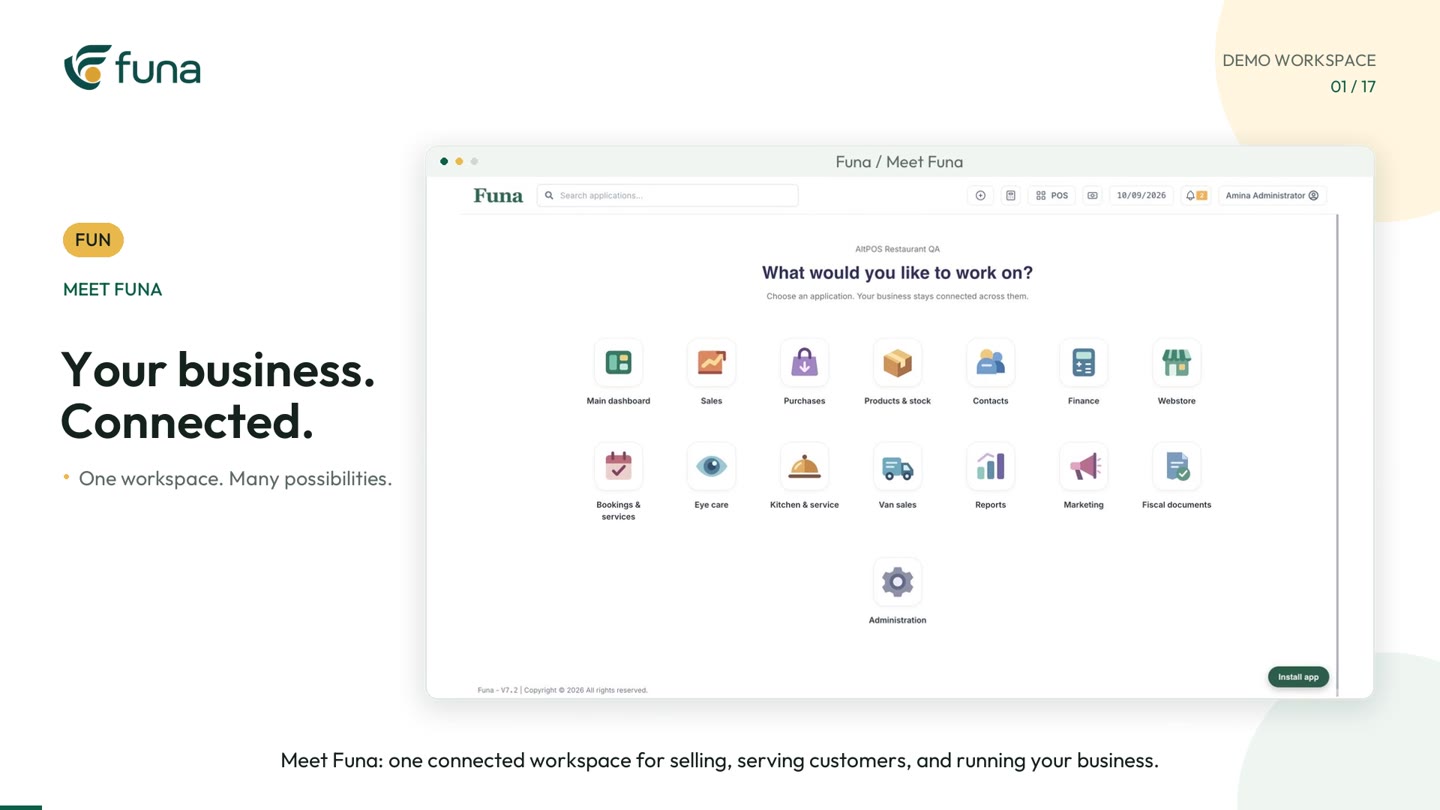
Funa brings sales, products, stock and customer information into a connected business workspace. The short introduction accompanying this guide shows the product at a glance; the longer workspace walkthrough in this series explains the different areas.
That does not mean every employee needs every tool. A cashier, stock controller and owner have different responsibilities. Set up roles and location access around those responsibilities, and check the experience using the accounts staff will actually use. Features and access depend on the selected plan and configuration.
Include an exception in the rehearsal
An ordinary sale is only half the test. Rehearse one realistic exception: an incorrect quantity, an outstanding balance or an item that is unavailable. Ask how the team should resolve it, who can approve a correction and where the explanation belongs. Do not improvise a second, unofficial process in a private message.
The aim is not to make every transaction identical. It is to make differences visible, explainable and owned by someone. Keep the first rehearsal small enough that the team can discuss it together.
Build a useful end-of-day review
At closing, review recorded sales, payments and outstanding items together. Check any stock differences and missing cost information before relying on profit figures. A neat dashboard cannot compensate for incomplete source records.
Finish with a short action list: what needs investigation, who will handle it and when it should be checked again. Repeat the exercise for several working days. Only then decide whether to expand the workflow or introduce another module.
Prepare for a practical demo
Bring a sample transaction, a description of your locations and a list of the people involved. Use fictional customer details during demonstrations. Ask to see the complete journey, including the next person's view and the daily review—not only the moment a sale is entered.
The videos in this series use demonstration data. They illustrate workflows, not guaranteed results. Start with the record your team needs most, prove that it works in practice, and build from there.
Continue the series
From table to receipt: a clearer restaurant handover
For the implementation perspective, read Choose business software with a workflow test.