Practical guides
Roll out business software one useful workflow at a time
Start with one workflow, clear roles and reliable records before expanding your business workspace. A practical rollout guide with the Funa walkthrough.
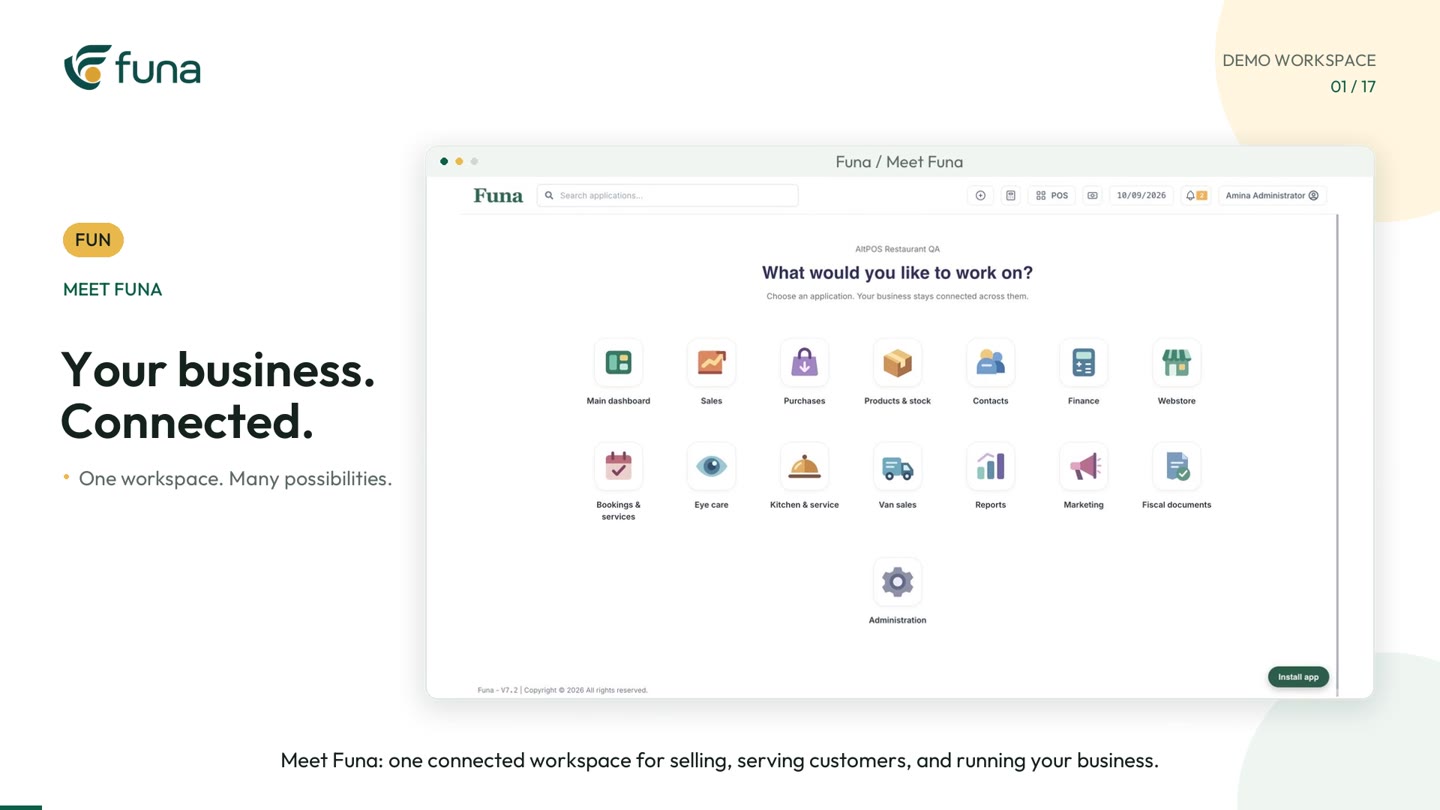
Watch the demonstration: Play the Funa workspace video (opens a video player; demonstration data).
A connected workspace can cover many parts of a business. That does not mean your team should change every process on the same day. A careful rollout starts with one useful workflow, checks that people can maintain its records, and expands when the next step is clear.
The Funa workspace walkthrough introduces areas such as sales, stock, purchases, contacts, accounting, van sales, bookings and reports. Use the video as a map of possibilities, not a checklist of everything you must activate immediately.
Choose a first workflow with a visible outcome
Start where the team regularly loses time or information. That might be connecting a counter sale to stock, following a restaurant order to checkout or reconciling a distribution trip. Define the outcome in plain language: the next person can find the transaction, understand its status and continue the work.
Keep the first scope small enough to test end to end. A single location and a representative selection of products can reveal useful problems without requiring the entire organisation to change at once.
Prepare records before importing volume
Check product names, units, prices, costs and opening quantities. Review customer and supplier duplicates. Decide which old information needs to move and which records should remain available separately for reference.
More imported rows do not necessarily mean a better start. A small, checked catalogue is easier to test than a large set of inconsistent records. Assign a responsible person to approve opening data and keep a record of the checks performed.
Give people the tools their roles need
The walkthrough includes Team and Access, where roles and location access support different responsibilities. Map those responsibilities before inviting the whole team. A person who enters a sale may not need the same access as the person reviewing accounts or managing configuration.
Test with representative staff accounts, not only an administrator account. Ask each person to complete their normal task and explain what they can and cannot change. Review access again when someone changes role or leaves the business.
Test the connections between areas
Connected software is most useful at the handovers. A sale affects stock and payment records. A purchase changes the information available for replenishment and cost review. A customer follow-up needs a clear owner and next action.
- Can the next person find the record without re-entering it?
- Does the status accurately describe what has happened?
- Is an incomplete payment or missing cost visible?
- Can the team explain a correction or exception?
Use the same sample transaction across the relevant areas. Looking at unrelated sample screens can hide a broken handover.
Keep specialist setup separate
Some workflows need additional configuration or professional review. Accounting, fiscal integrations and specialist practice records should be evaluated against your business's actual requirements. A module appearing in a demonstration does not mean it is included in every plan or configured for every country.
Confirm the required modules, devices, permissions and integrations during the demo and setup discussion. Do not assume an unshown integration or regulatory outcome from a general product walkthrough.
Decide when the next phase is ready
After the first workflow is in use, review a short set of checks. Can staff complete the work without informal workarounds? Are the opening balances credible? Are unresolved exceptions assigned? Can the owner explain what the report includes and what is still missing?
If the answers are unclear, improve that workflow before expanding. If they are reliable, choose the next area that benefits from the records you already maintain.
The Funa walkthrough uses demonstration data. Start a discussion with one real operational problem and fictional examples of the records involved. A successful first phase is not the longest feature list; it is a workflow your team can use, understand and maintain every day.
Continue the series
A connected business starts with one clear workflow
For the implementation perspective, read A phased rollout plan for connected business software.