
Retail & shops
POS software for shops in Uganda
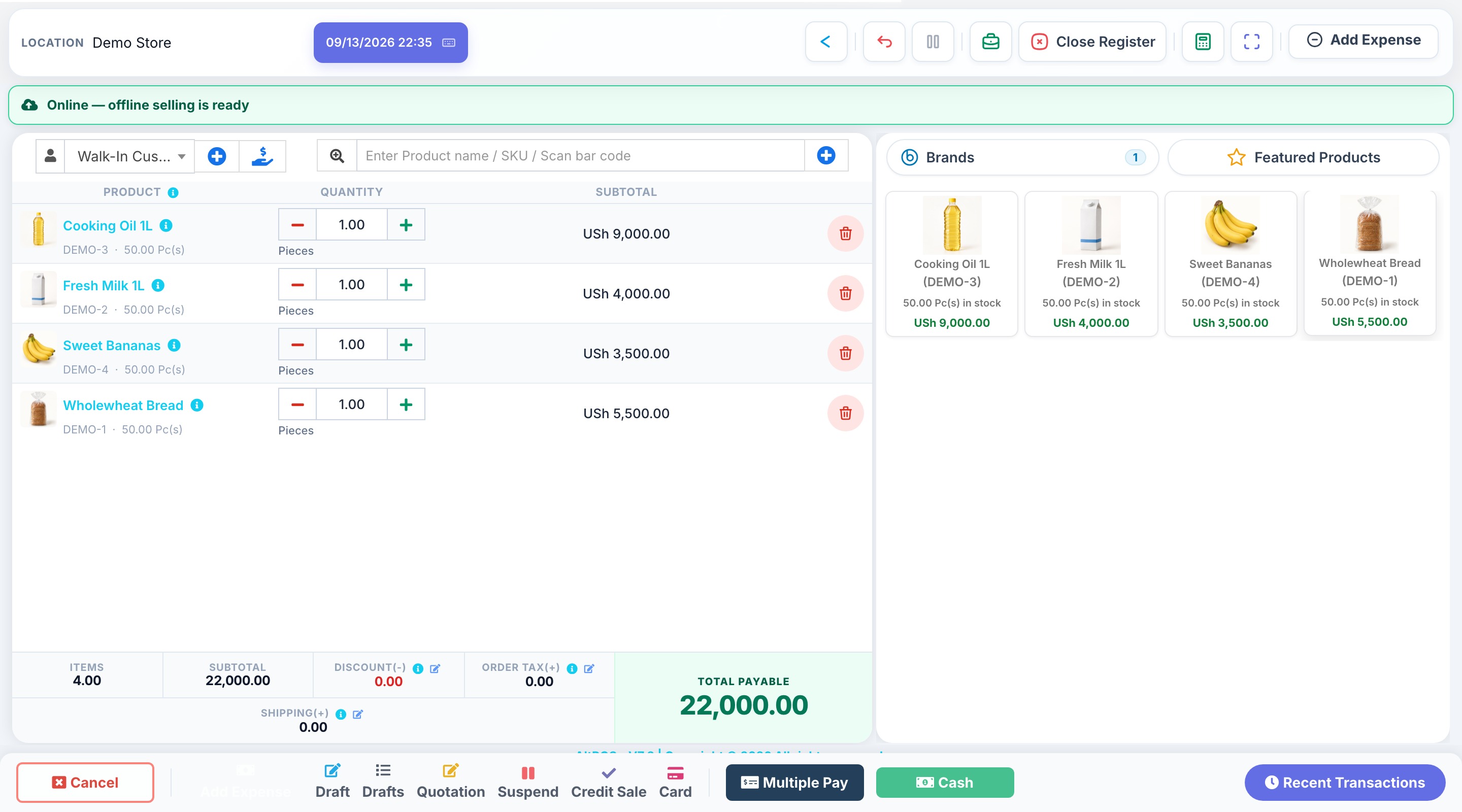
Keep checkout, product stock and customer payments together. Give your cashier a clear selling workflow and review the records behind your daily totals.
HOW THE WORK FITS TOGETHER
From the first record
to a clearer picture.
- 1
Prepare your catalogue
Add products, units, barcodes and selling prices. Import a prepared product list and check opening stock before trading.
- 2
Make and record the sale
Select or scan products, review quantities and record the customer payment. Confirm your receipt printer and device setup before going live.
- 3
Review the business
Follow sales, stock movements and customer balances. Use staff permissions to control who can change prices or access reports.
BEFORE YOU CHOOSE
Find the right setup.
Compare the number of users, products and locations on each plan. Hardware, migration and onsite training are separate from the subscription.
Can the shop keep selling when internet drops?
Offline sale capture works on a device prepared and synced while online. Sales sync when connectivity returns. Online payment authorisation and EFRIS submission still require a connection.
Discuss your requirements