
Restaurants & cafés
POS workflows for restaurants and cafés
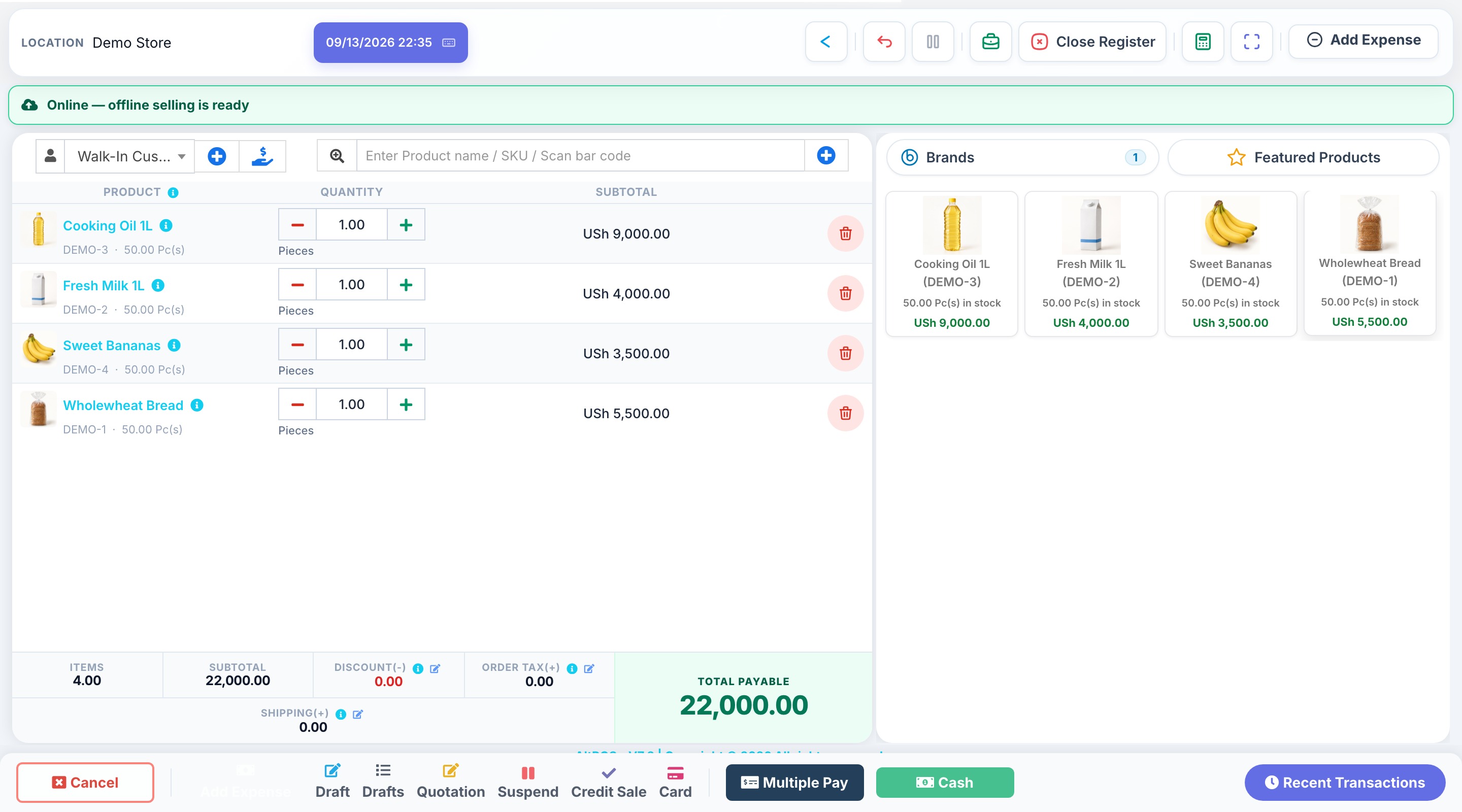
Bring orders, tables, modifiers and kitchen activity into the same business workflow, with sales and payment records available for review.
HOW THE WORK FITS TOGETHER
From the first record
to a clearer picture.
- 1
Prepare the menu
Set up the products, prices and modifiers your team uses. Enable restaurant features and confirm staff permissions.
- 2
Take and follow orders
Organise table and order activity and use the kitchen workflow to follow preparation. Test the hand-off between floor and kitchen during setup.
- 3
Close and review
Record payments and inspect sales and stock records. Confirm your printer and device connections before service starts.
BEFORE YOU CHOOSE
Find the right setup.
Restaurant features need to be enabled. Review locations, users, printer compatibility and your kitchen workflow when comparing packages.
Will our existing kitchen and receipt printers work?
Provide the printer models and the devices that will connect to them. Compatibility depends on the app, operating system and connection type; confirm it before purchasing hardware.
Discuss your requirements