
Pharmacies & agrovet shops
Inventory control for pharmacies and agrovet shops
Manage the retail side of your business with product, batch, expiry, supplier and customer records in one workspace.
HOW THE WORK FITS TOGETHER
From the first record
to a clearer picture.
- 1
Receive products carefully
Configure units and product details, then record received stock with the batch and expiry information your process requires.
- 2
Track stock and sales
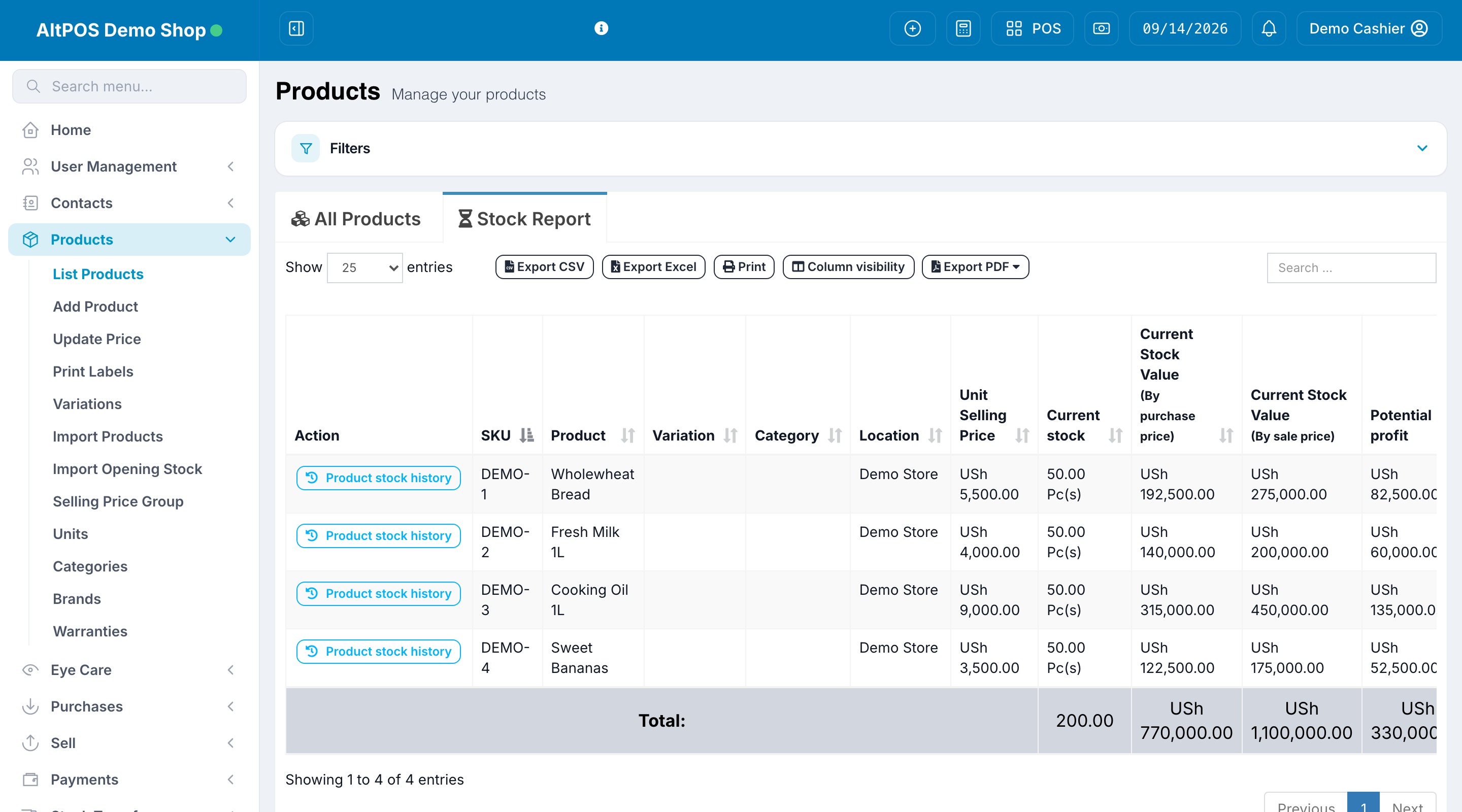
Follow product movements, sales and location stock. Use stock records to investigate differences between the system and physical shelves.
- 3
Review expiry and replenishment
Review expiry information and stock levels as part of your ordering routine, alongside supplier purchases and payment records.
BEFORE YOU CHOOSE
Find the right setup.
Confirm batch/expiry settings and your operational requirements during a demo. This page describes retail inventory functionality, not a verified specialist dispensing or clinical system.
Does this replace specialist pharmacy compliance systems?
Do not assume it does. Discuss dispensing, controlled-product and other specialist requirements with the team and your relevant advisers before choosing a workflow.
Discuss your requirements