
Hardware & multi-branch stores
Inventory visibility across your branches
Keep products, units, variations and location stock organised as the business grows. Give each branch a clear record of what came in, moved and sold.
HOW THE WORK FITS TOGETHER
From the first record
to a clearer picture.
- 1
Organise the catalogue
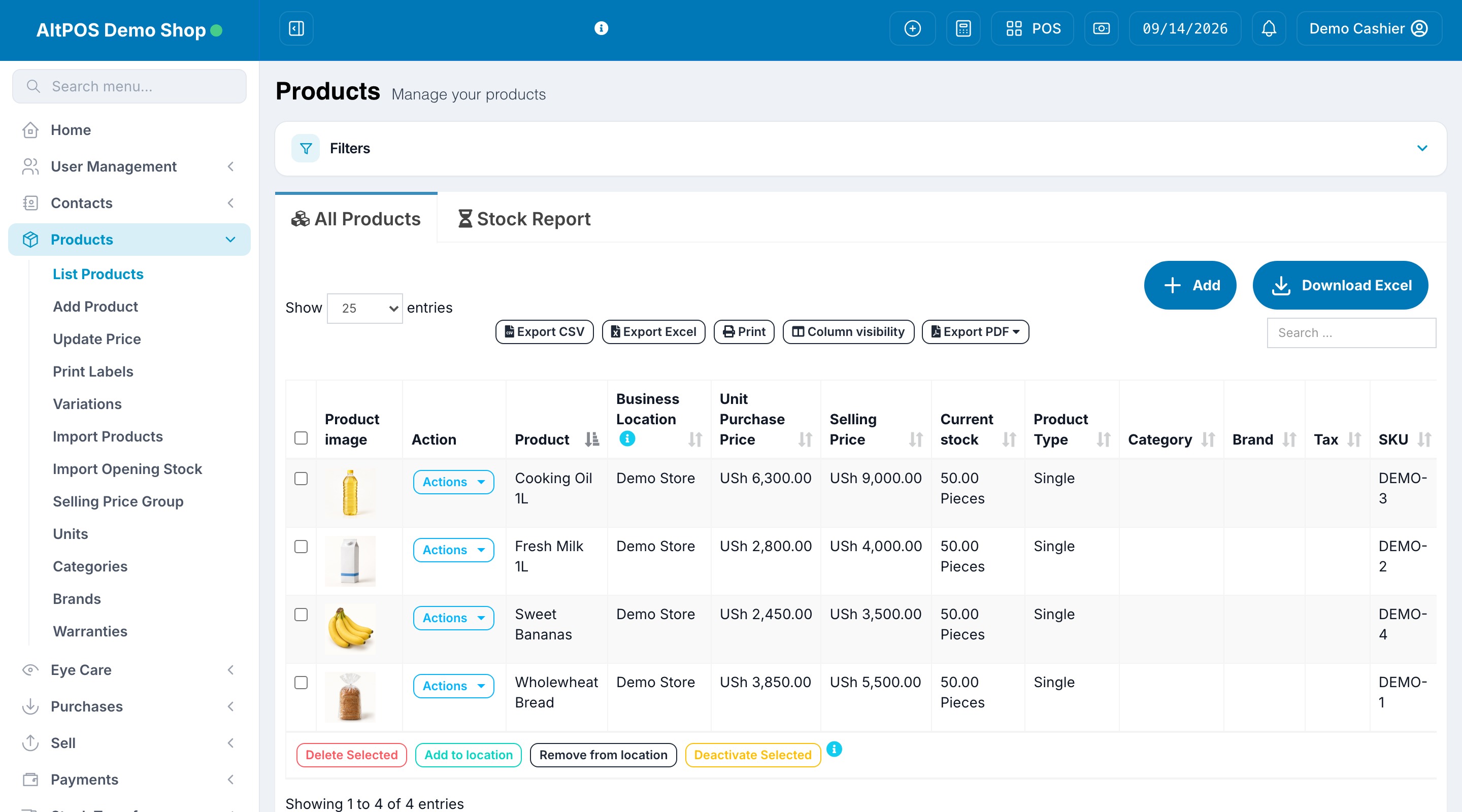
Set product units, variations and prices for the items you carry. Check product and opening-stock data before import.
- 2
Record branch movements
Receive purchases at the correct location and record transfers between branches or warehouses. Review stock history when counts differ.
- 3
Control access and credit
Set staff roles and location access, and keep customer balances and payment records available to the right people.
BEFORE YOU CHOOSE
Find the right setup.
Branches and warehouses count towards location limits. Compare product and user limits and confirm any specialist module requirements.
Can we start with one branch and expand?
Choose a package for your current needs and review larger location/user limits as you expand. Confirm the available upgrade and billing options with the team.
Discuss your requirements